WORKFLOW
Car AIGC Trend Video
Create a vehicle design sheet
Create a design sheet for the car or vehicle you want to use in the video.
I use ChatGPT with GPT-6 Astra High. You can use the highest ChatGPT model you have access to.
I upload reference images I found on Instagram and use this prompt:
Prompt
Create a design sheet of this Jetour car with a light gray background.Reference images I used
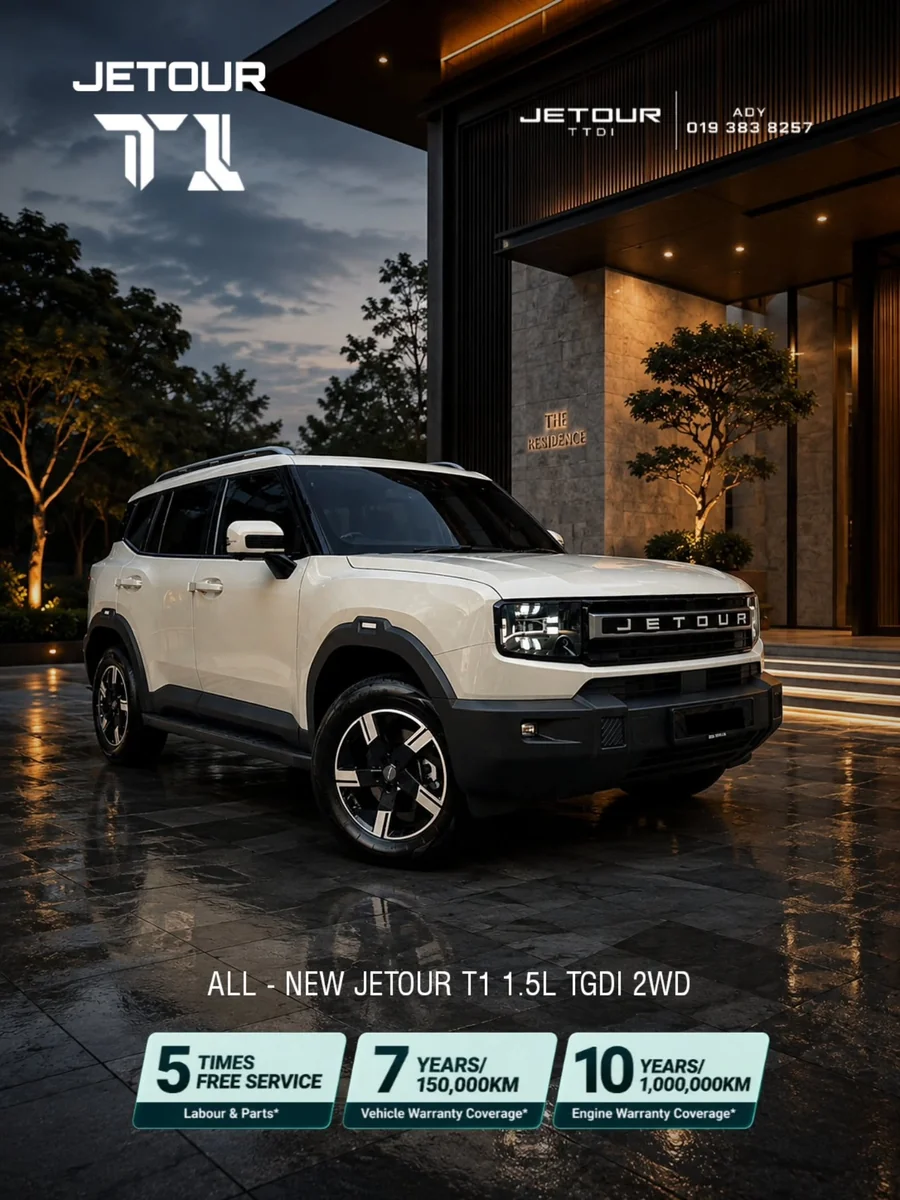
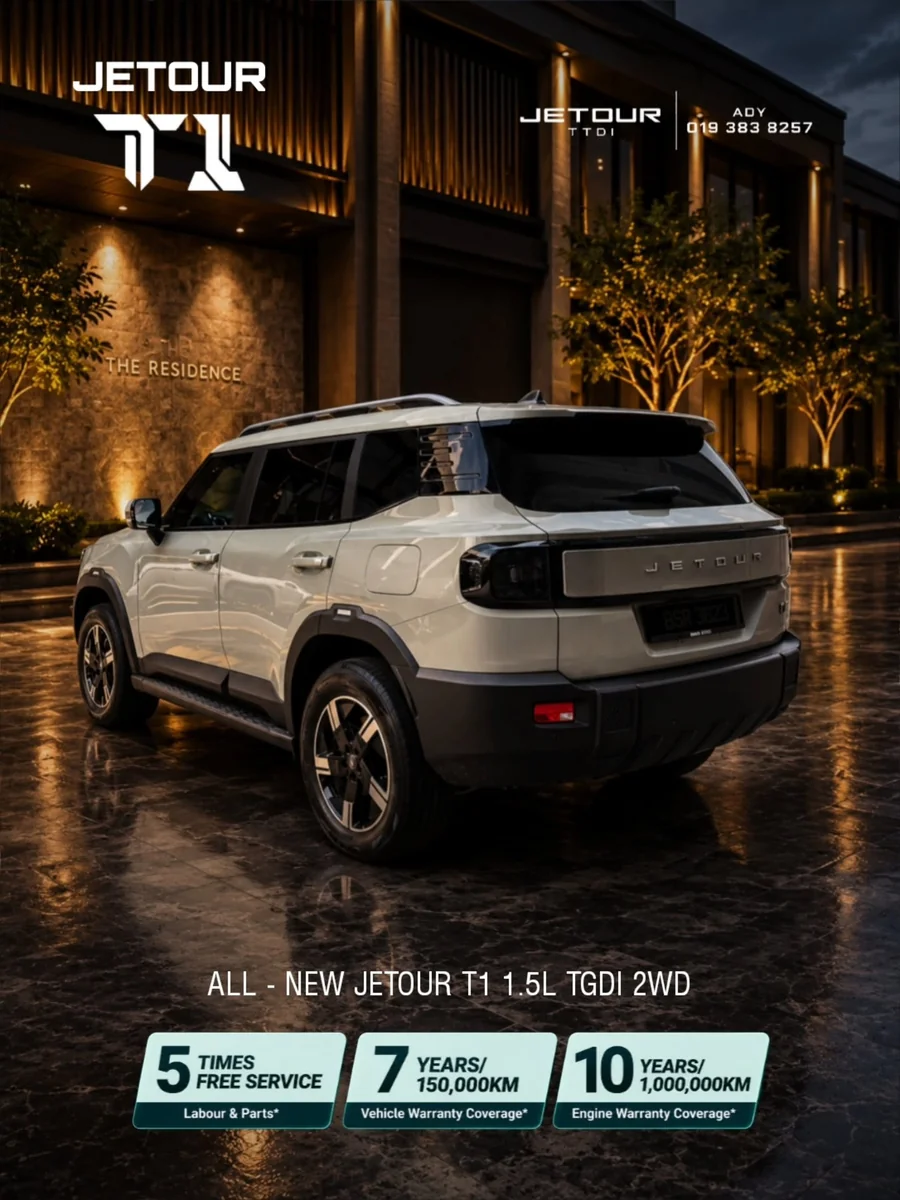
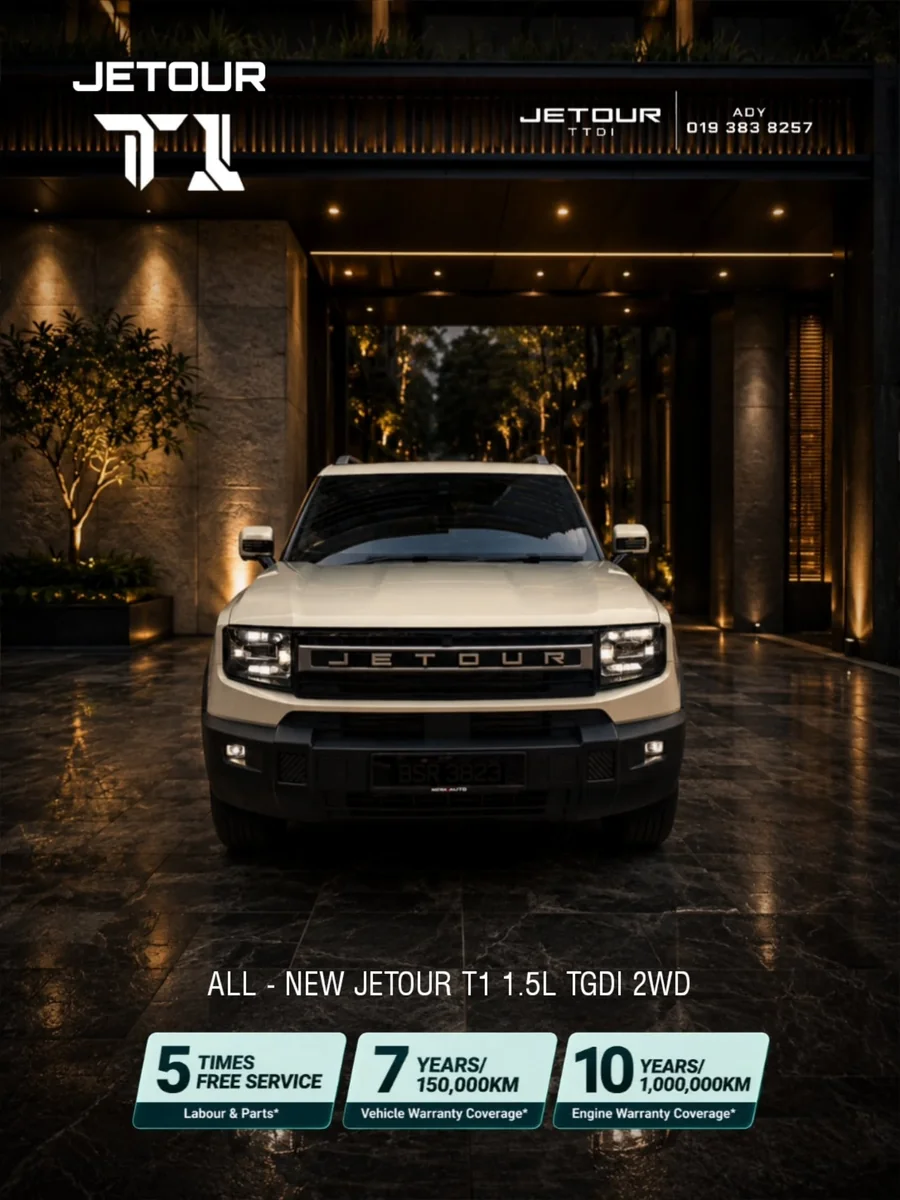
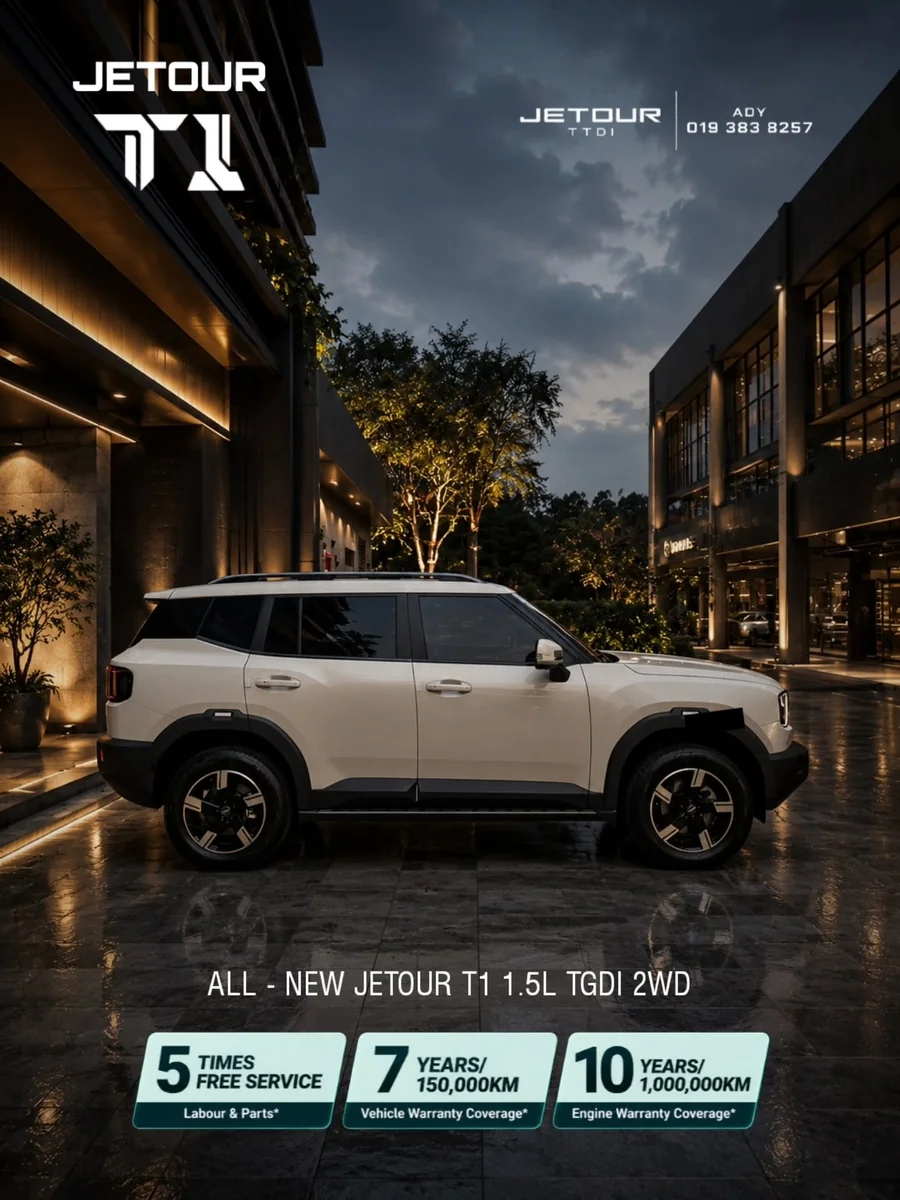
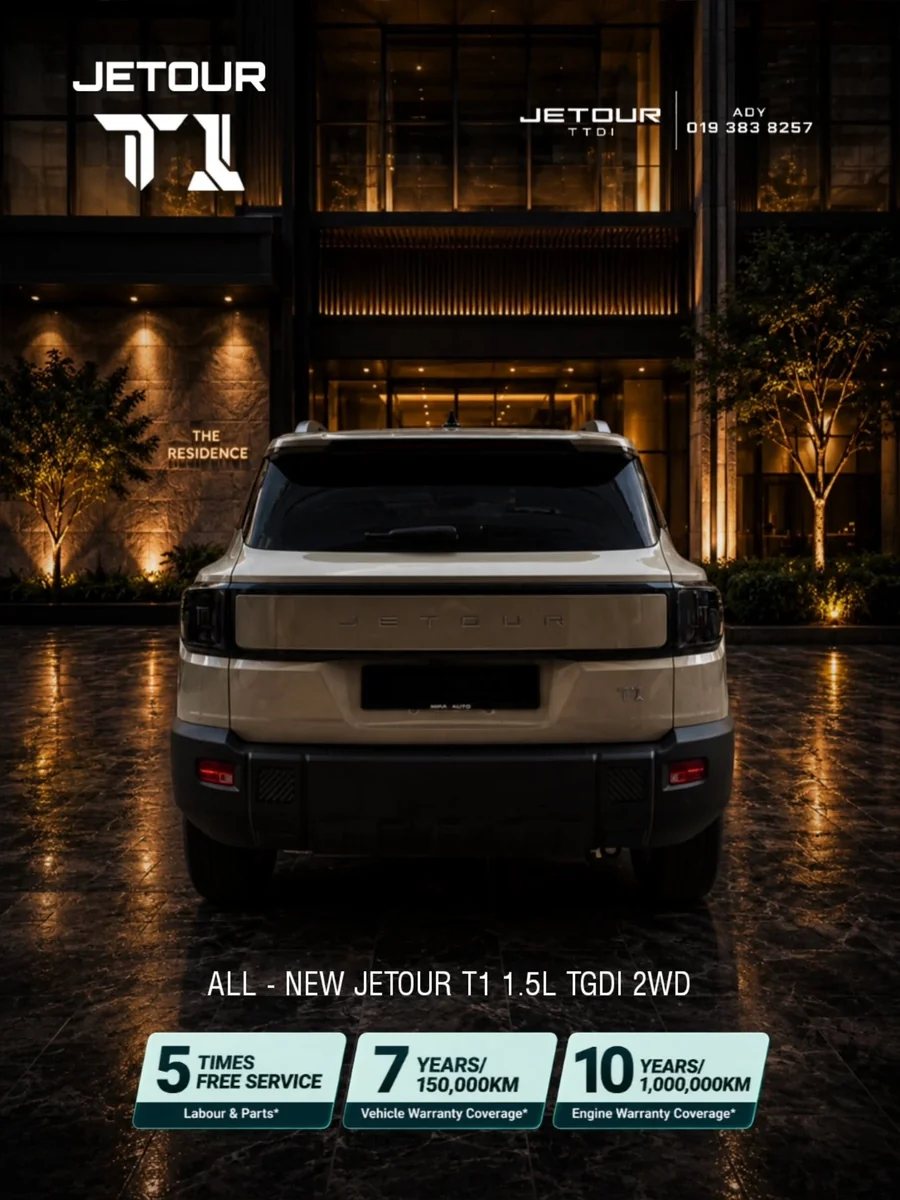
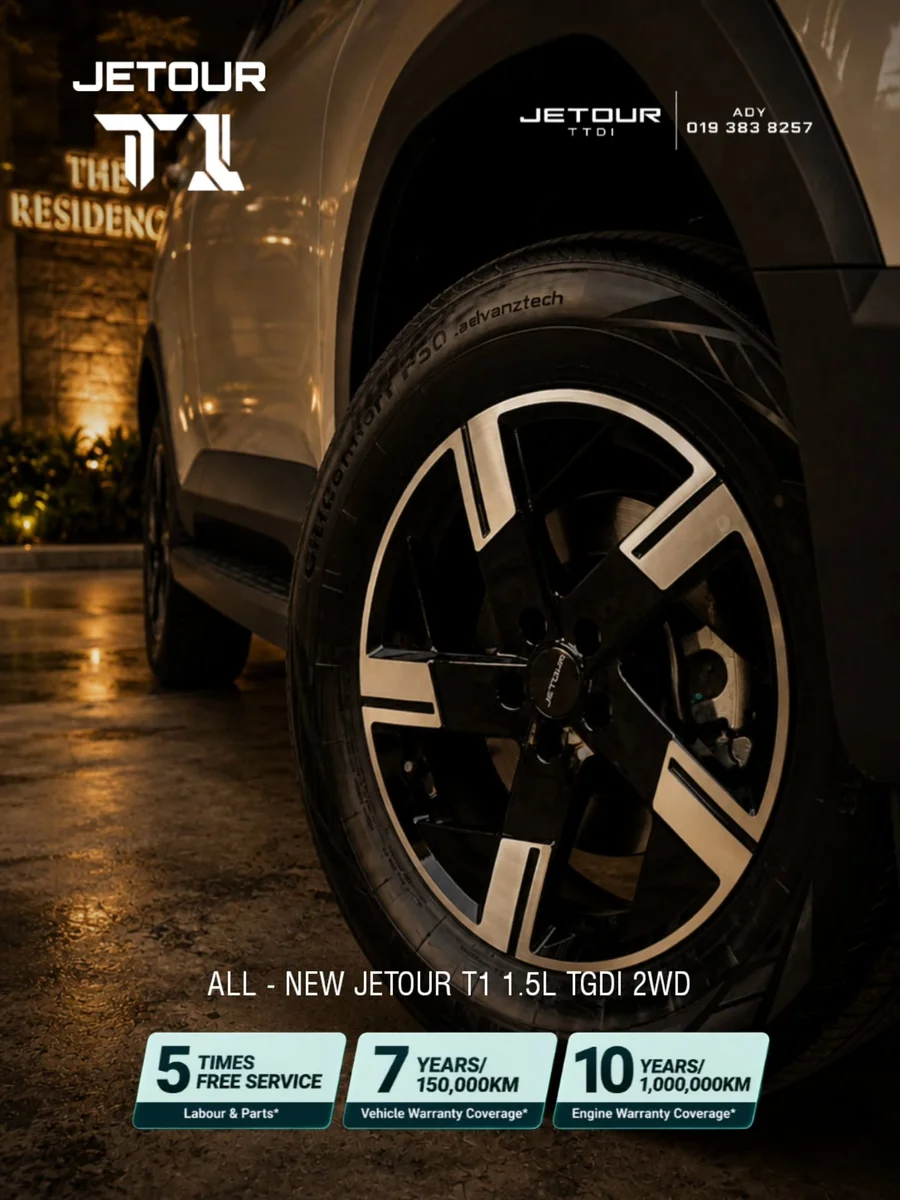
Select any image to enlarge it.
Prepare the location image
Find an image of the location where you want the video to take place. I find mine on Google, then refine and retouch it in ChatGPT.
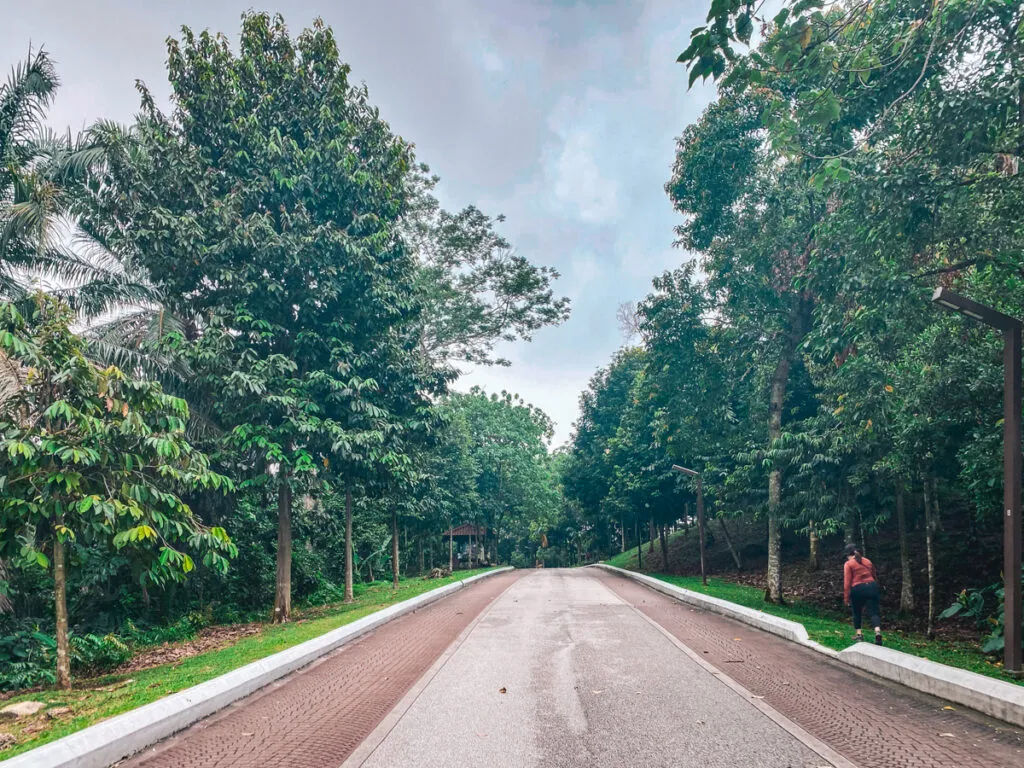
Prompt I use
Retouch, sharpen and add details to this image in 4K. Remove the people in the image. Use a 16:9 aspect ratio.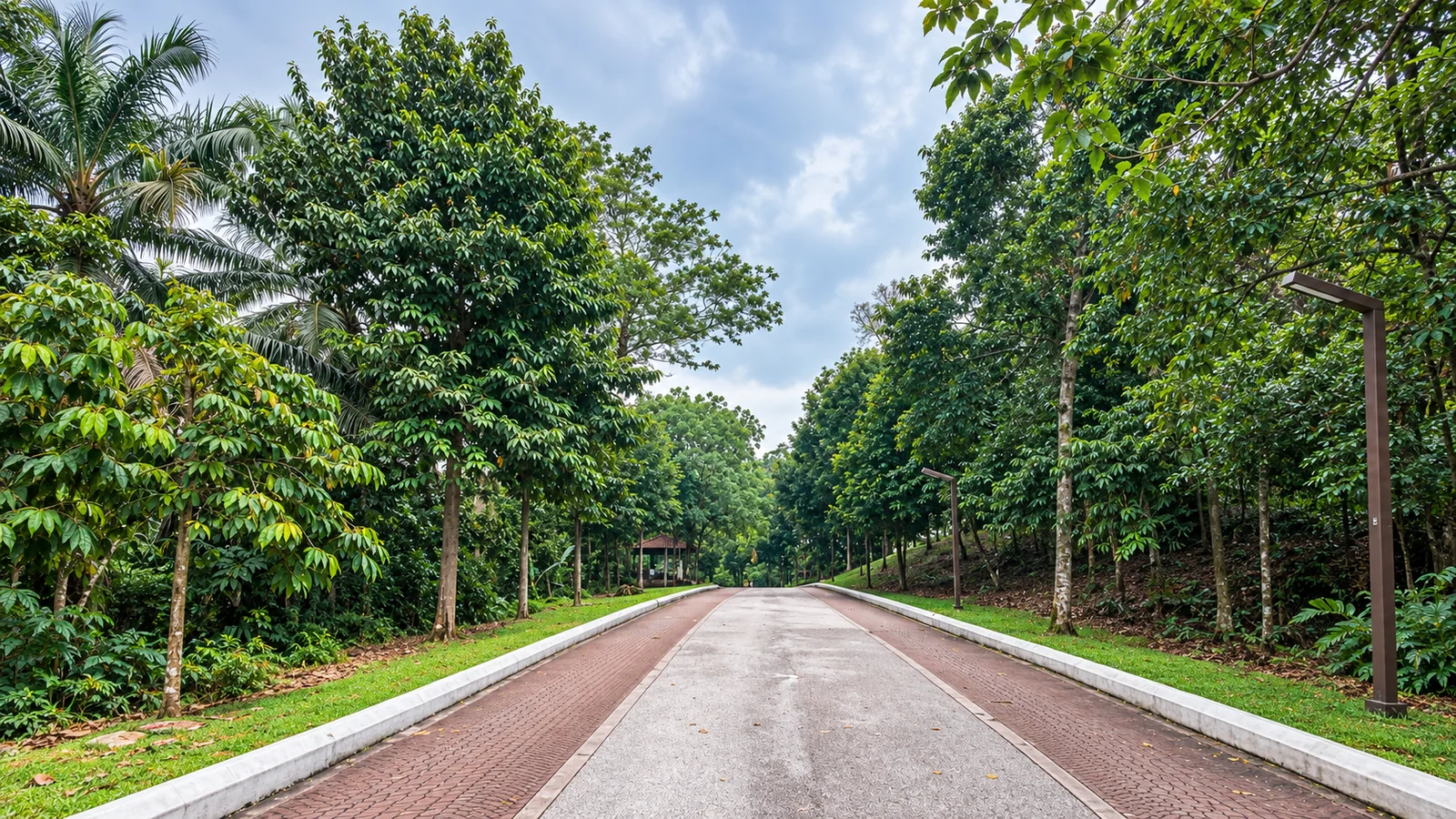
Open Higgsfield
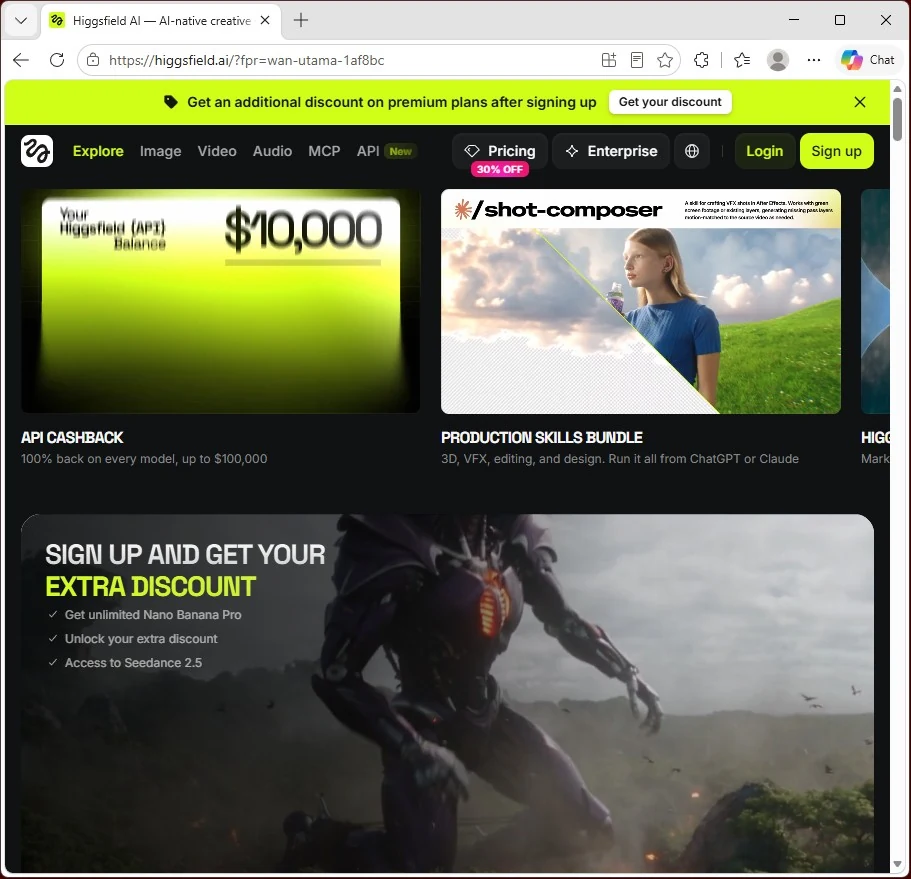
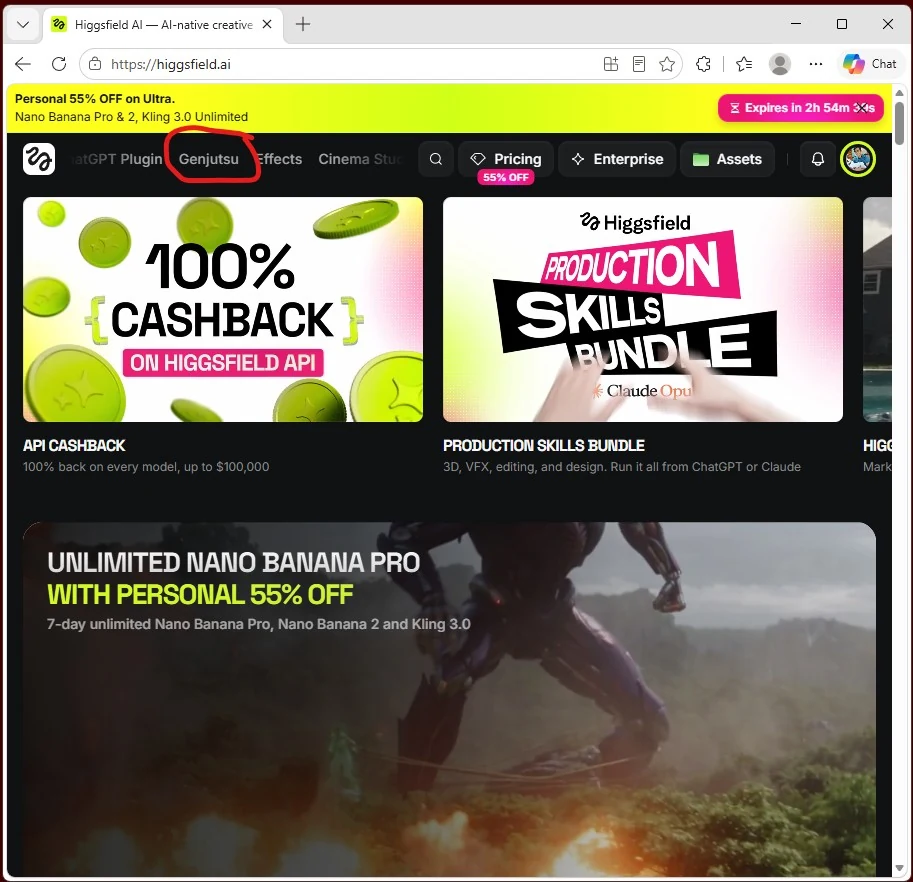
Select the Genjutsu tab
In Higgsfield, select the Genjutsu tab.
Open my project
Open my project using this link:
Open Car AIGC Trend Video project
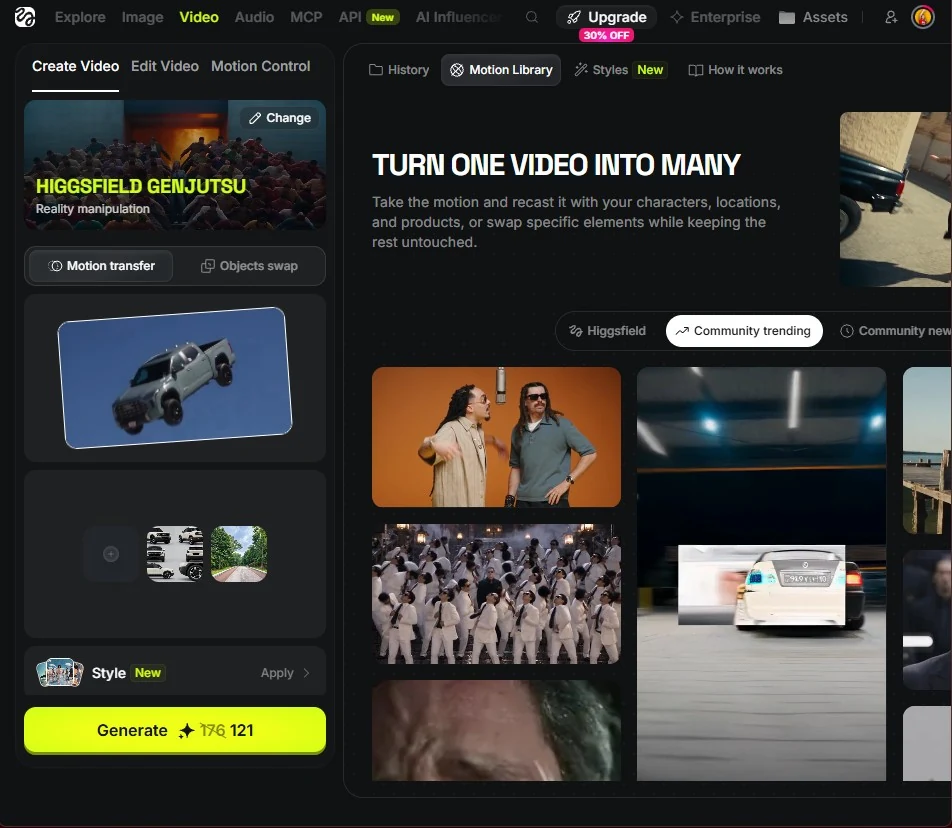
Keep Motion Transfer and the reference video
Make sure Motion Transfer is selected and keep the existing reference video.
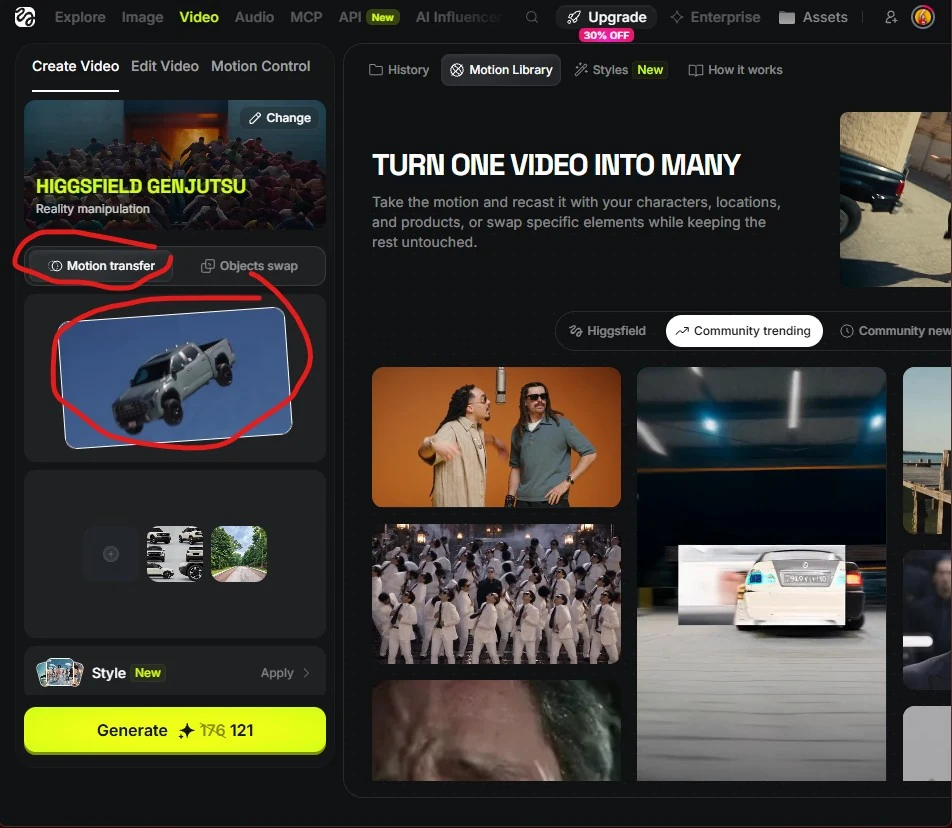
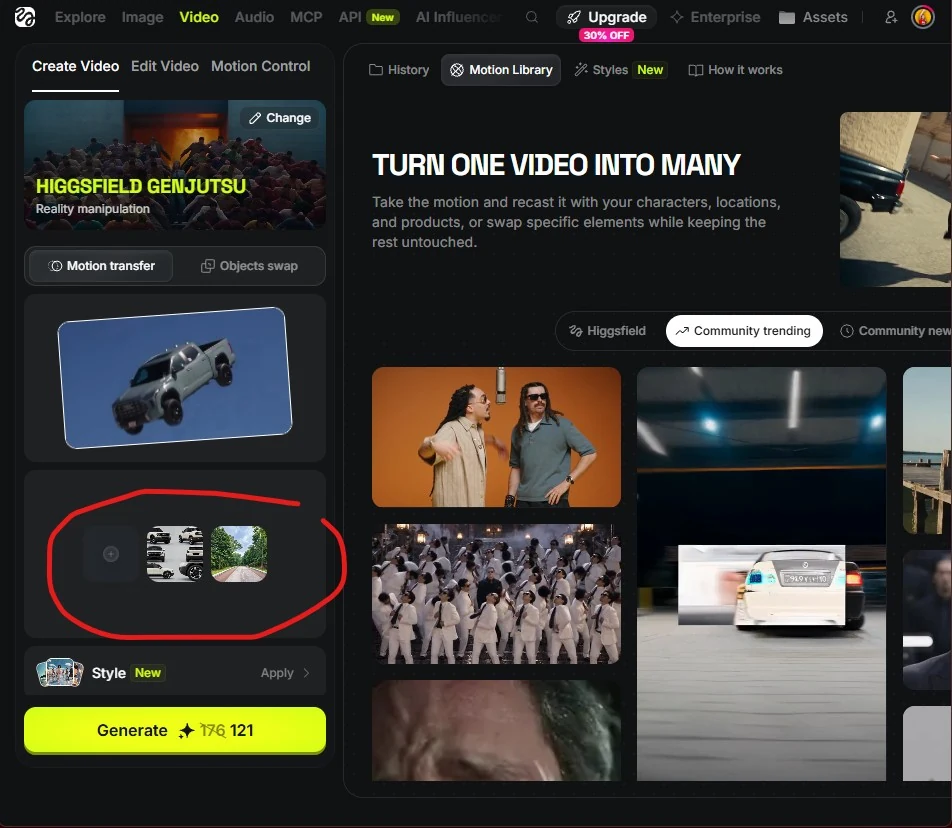
Replace the reference images
Replace the reference images with your own vehicle design sheet and your chosen location image.
Keep the prompt and check the reference tags
Keep the prompt below and make sure each tag points to the correct reference. Replace the bracketed instructions with the actual image tags in Higgsfield: the car design sheet first, then the location image.
Prompt I use
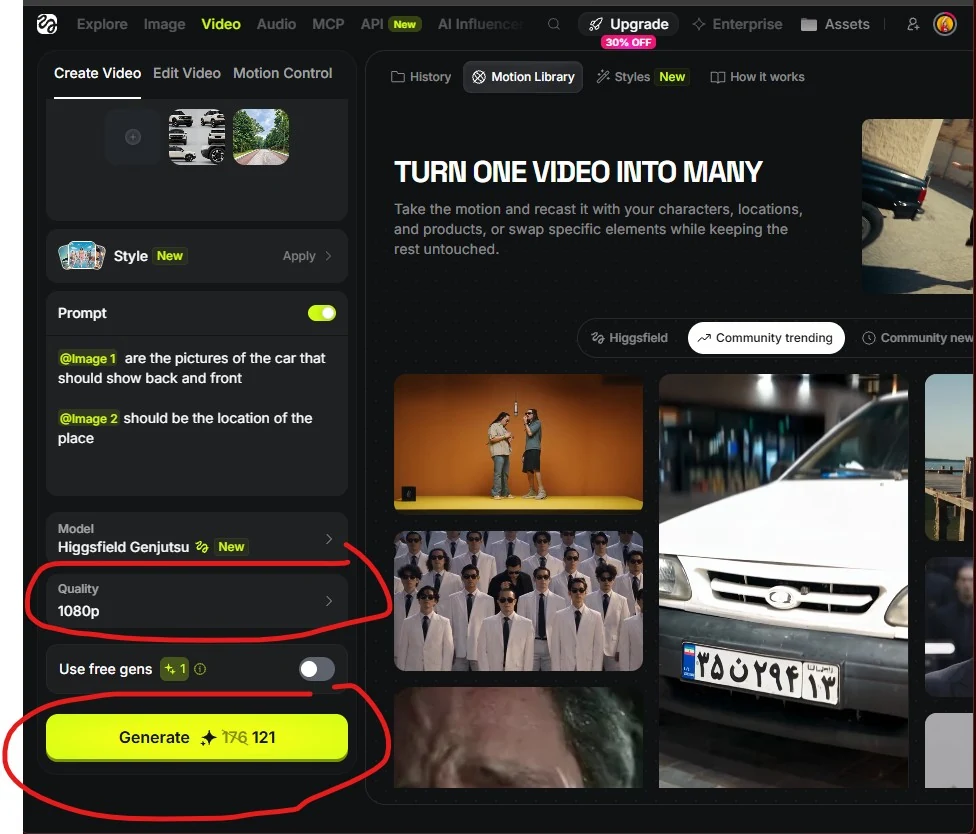
[Tag the car image] are the pictures of the car that should show back and front
[Tag the location image] should be the location of the place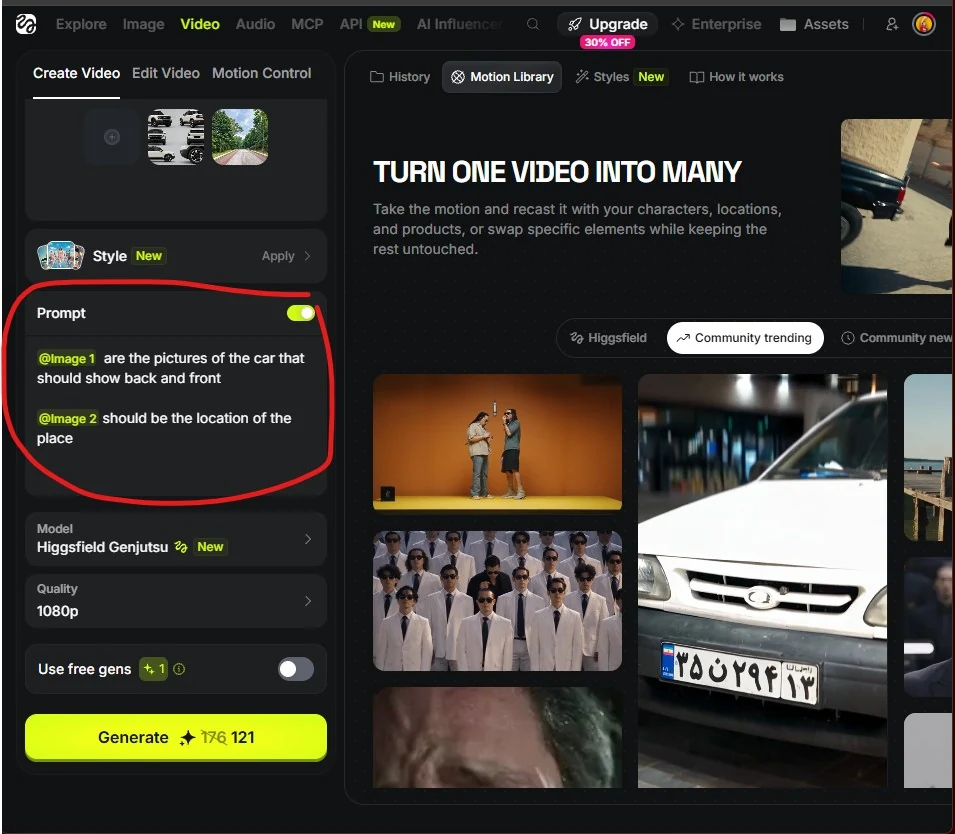
Choose the quality and generate
I recommend 1080p for the best results, or 720p if you want to use fewer credits. I do not recommend 480p. Then select Generate!