WORKFLOW
Shaolin Soccer Club Video
Create two character sheets
Create a character sheet for each of the two new characters you want to use in the video.
Not sure how to create an effective character sheet? Follow this tutorial:
Go to Higgsfield
Open Higgsfield using this link:

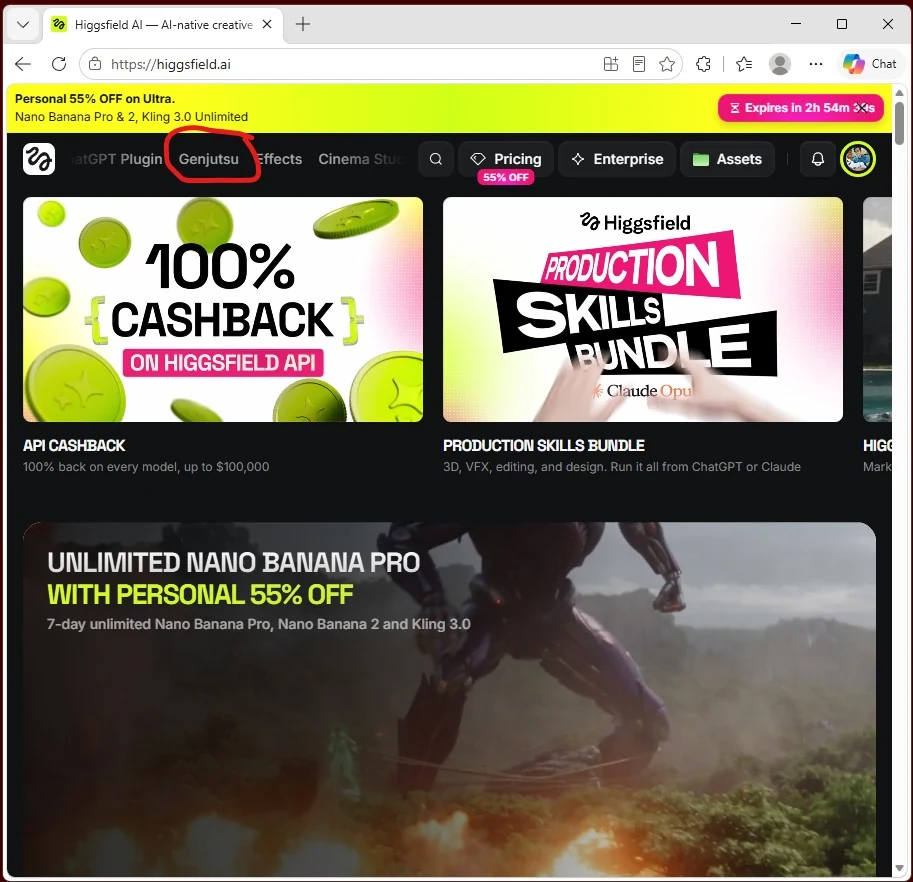
Open the Genjutsu tab
In Higgsfield, open the Genjutsu tab.
Open the reference project
Open my project using this link:
Open Shaolin Soccer Club Video project
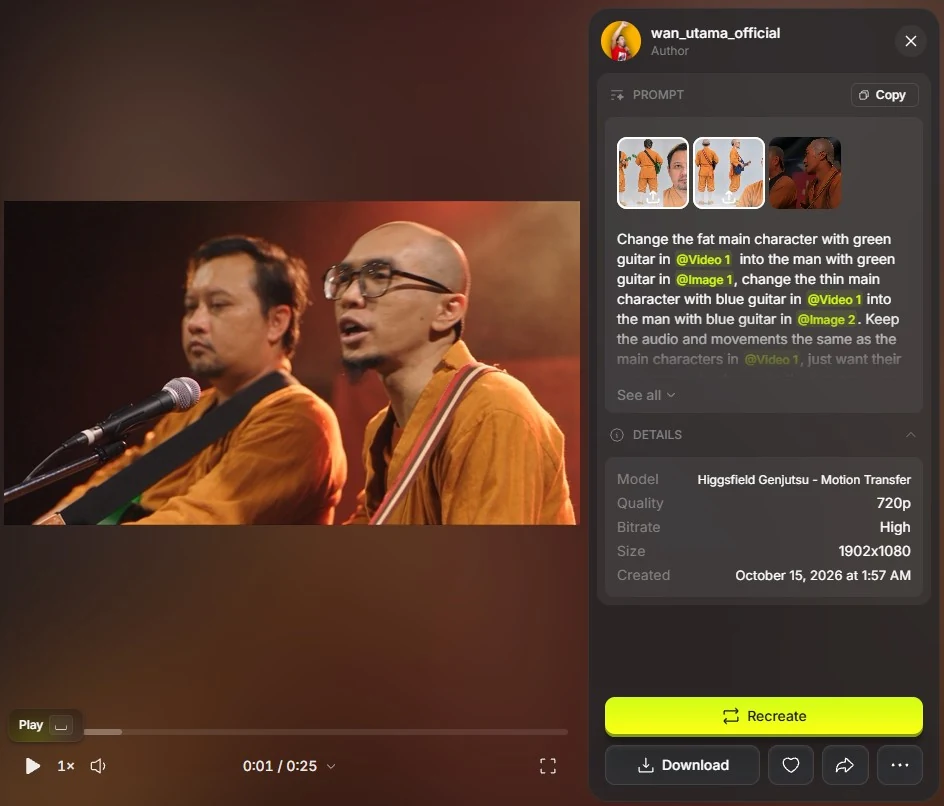
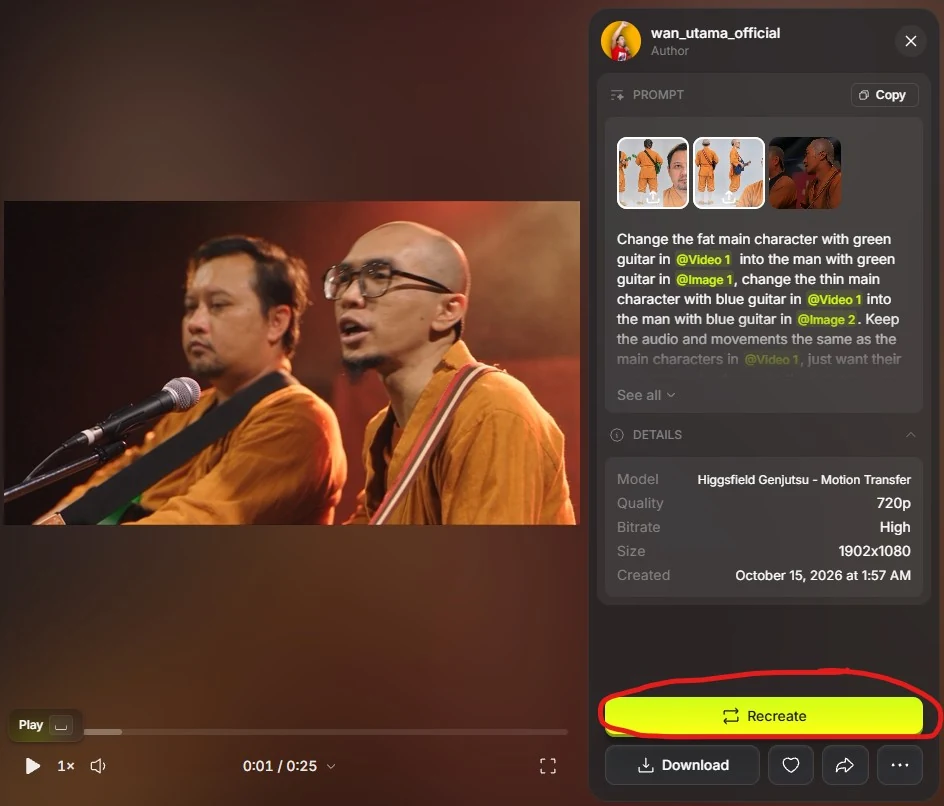
Select Recreate
Select the Recreate button on the project page.
Keep Motion Transfer and the reference video
Make sure Motion Transfer is selected and keep the existing reference video.
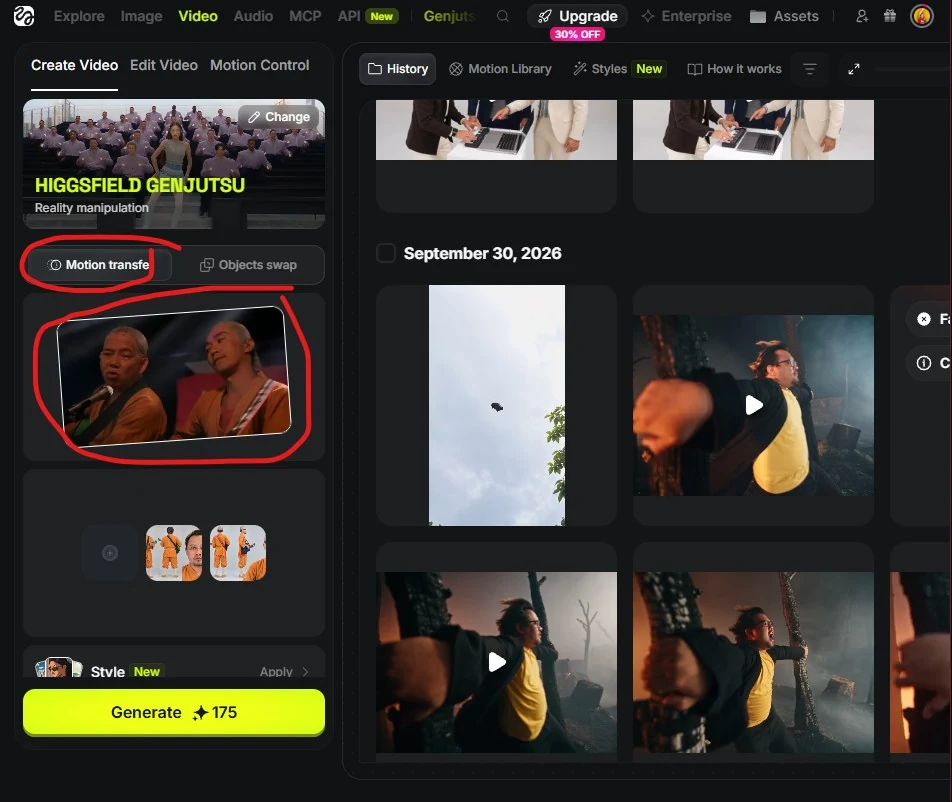
Replace the character references
Replace the two reference images with images of your chosen characters.
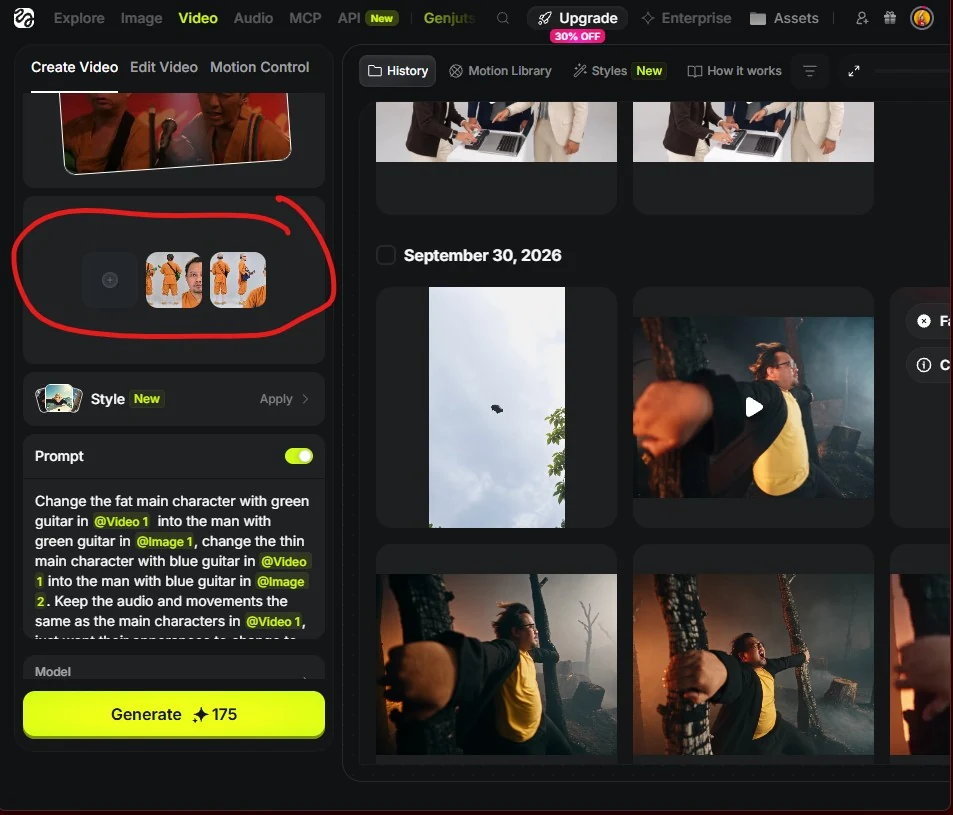
Adjust the prompt and reference tags
Adjust the prompt, reference tags and character descriptions to match your own characters. Make sure the green-guitar and blue-guitar descriptions identify the correct people, and that each tag points to the correct asset.
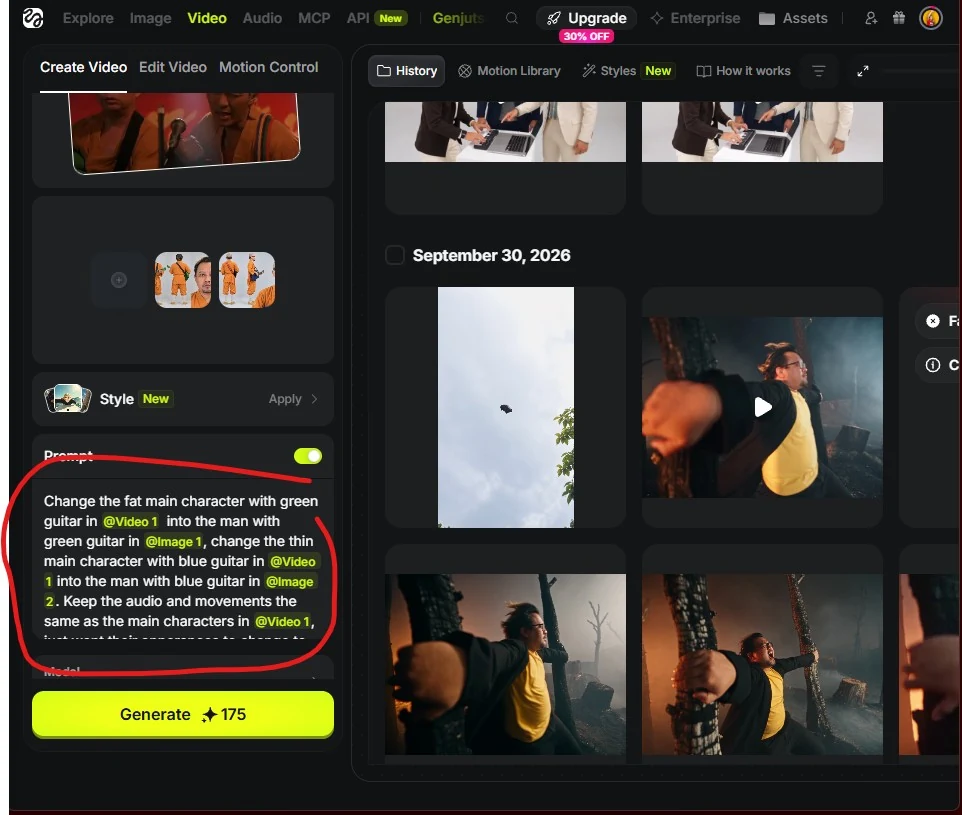
Prompt I use
Change the fat main character with green guitar in @[Video 1] into the man with green guitar in @[Image 1], change the thin main character with blue guitar in @[Video 1] into the man with blue guitar in @[Image 2]. Keep the audio and movements the same as the main characters in @[Video 1], just want their apperances to change to the two new man.

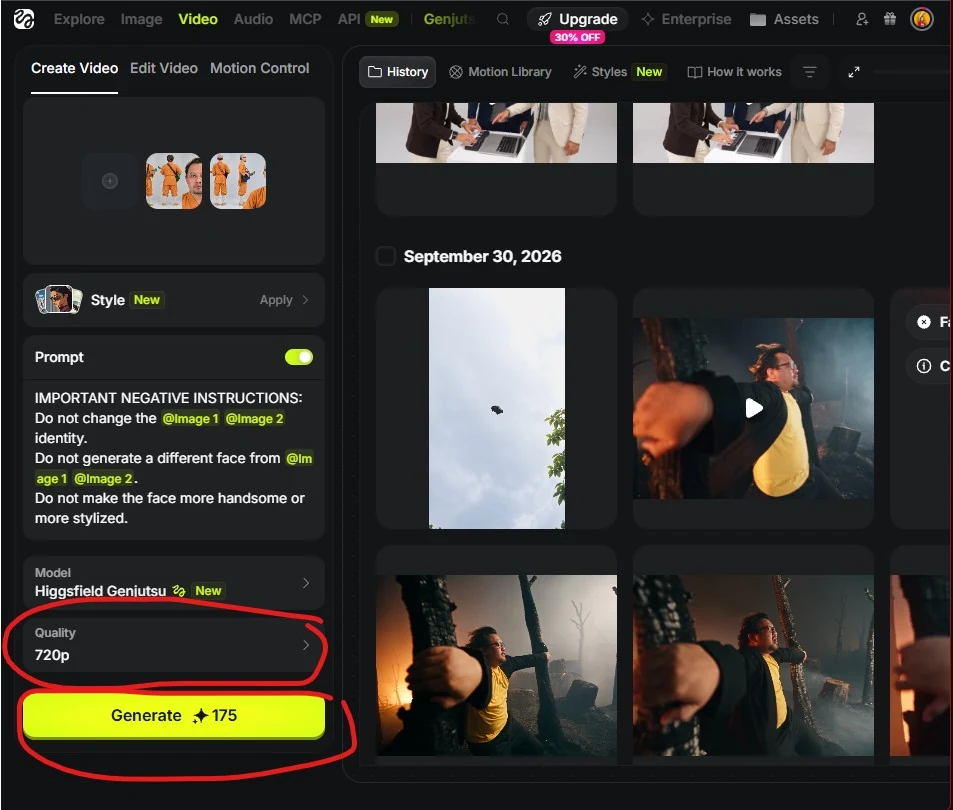
IMPORTANT NEGATIVE INSTRUCTIONS:
Do not change the @[Image 1] @[Image 2] identity.
Do not generate a different face from @[Image 1] @[Image 2].
Do not make the face more handsome or more stylized.Choose the quality and generate
I use 720p to save credits. For better visuals, choose 1080p. I do not recommend 480p. Then select Generate!
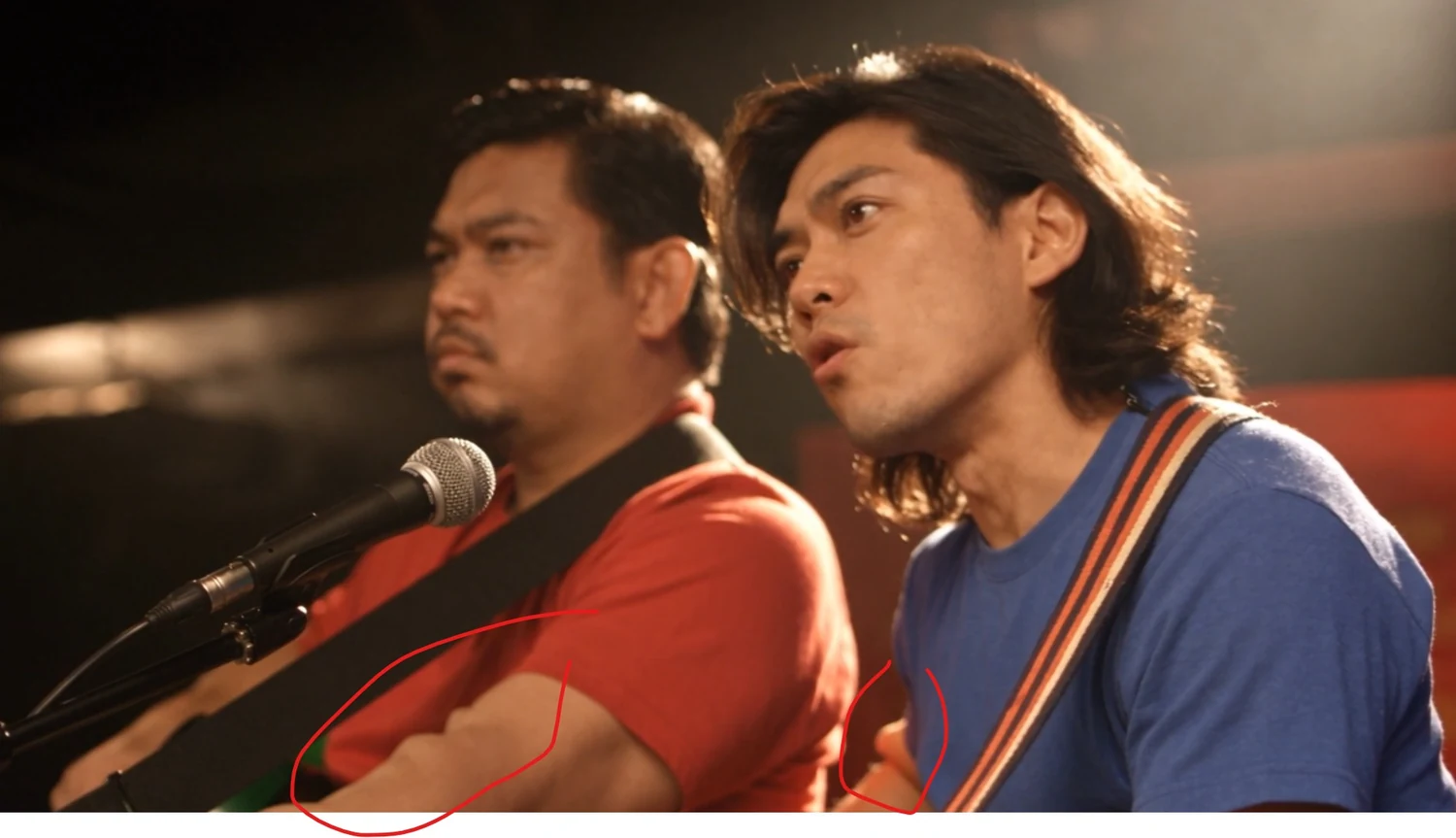
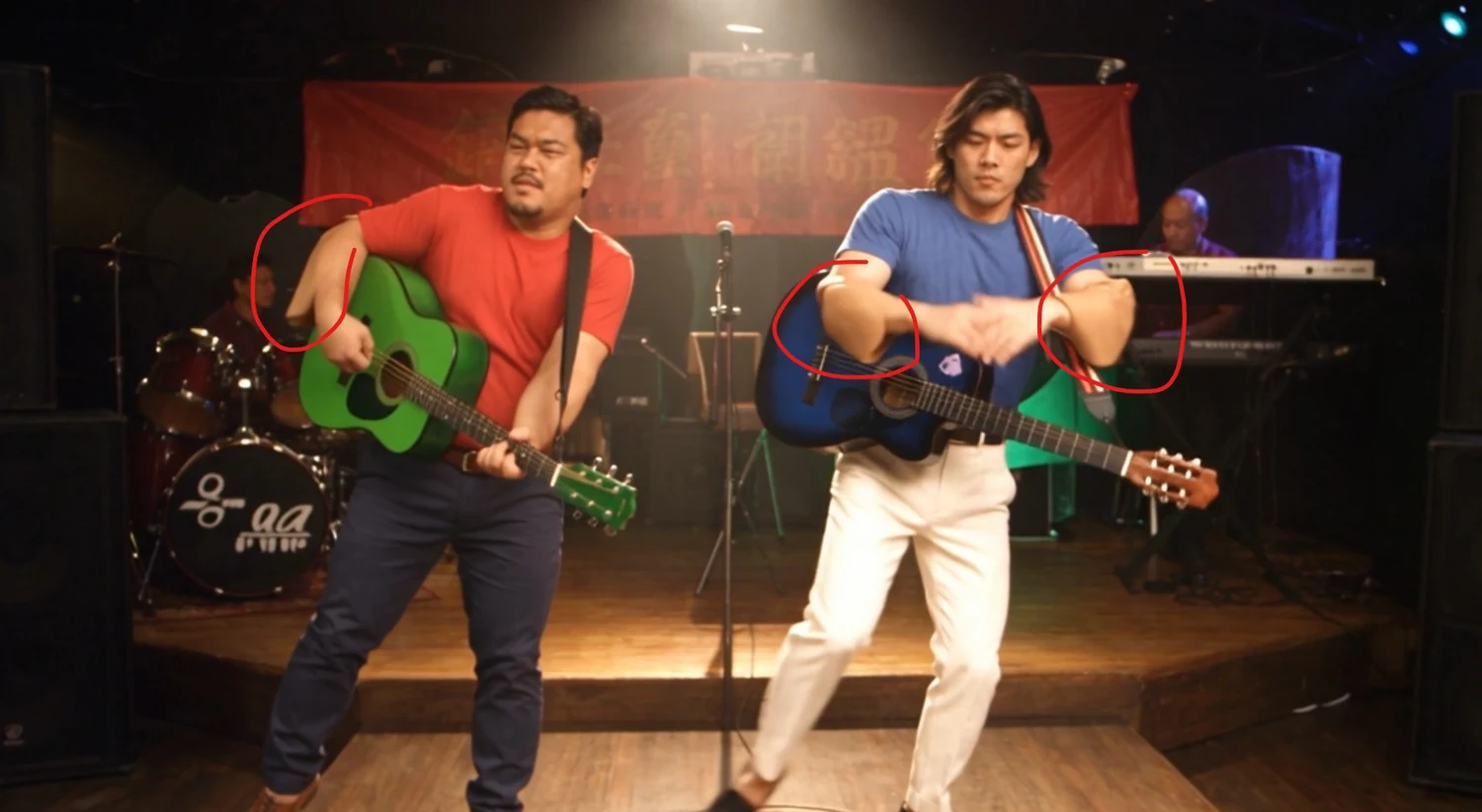
Note 1 — Choose long sleeves
For better results, dress your characters in long-sleeved tops. Otherwise, the clothing effect from the reference video can transfer onto their exposed arms and make them look unnatural.
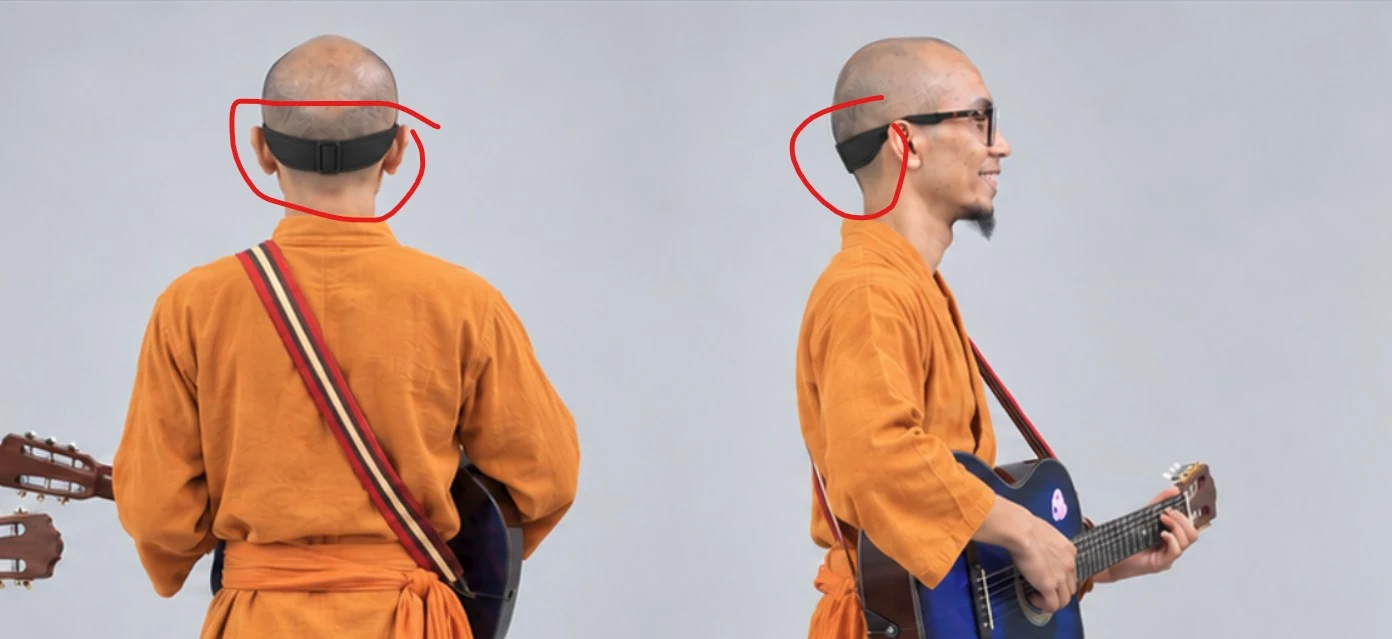
Note 2 — Head-cover artifacts and glasses straps
In the original reference video, both characters wear visible plastic head covers. In my experience, this is not a problem when the replacement characters have hair. With a bald character, however, the result can look like plastic or excess skin around the head.
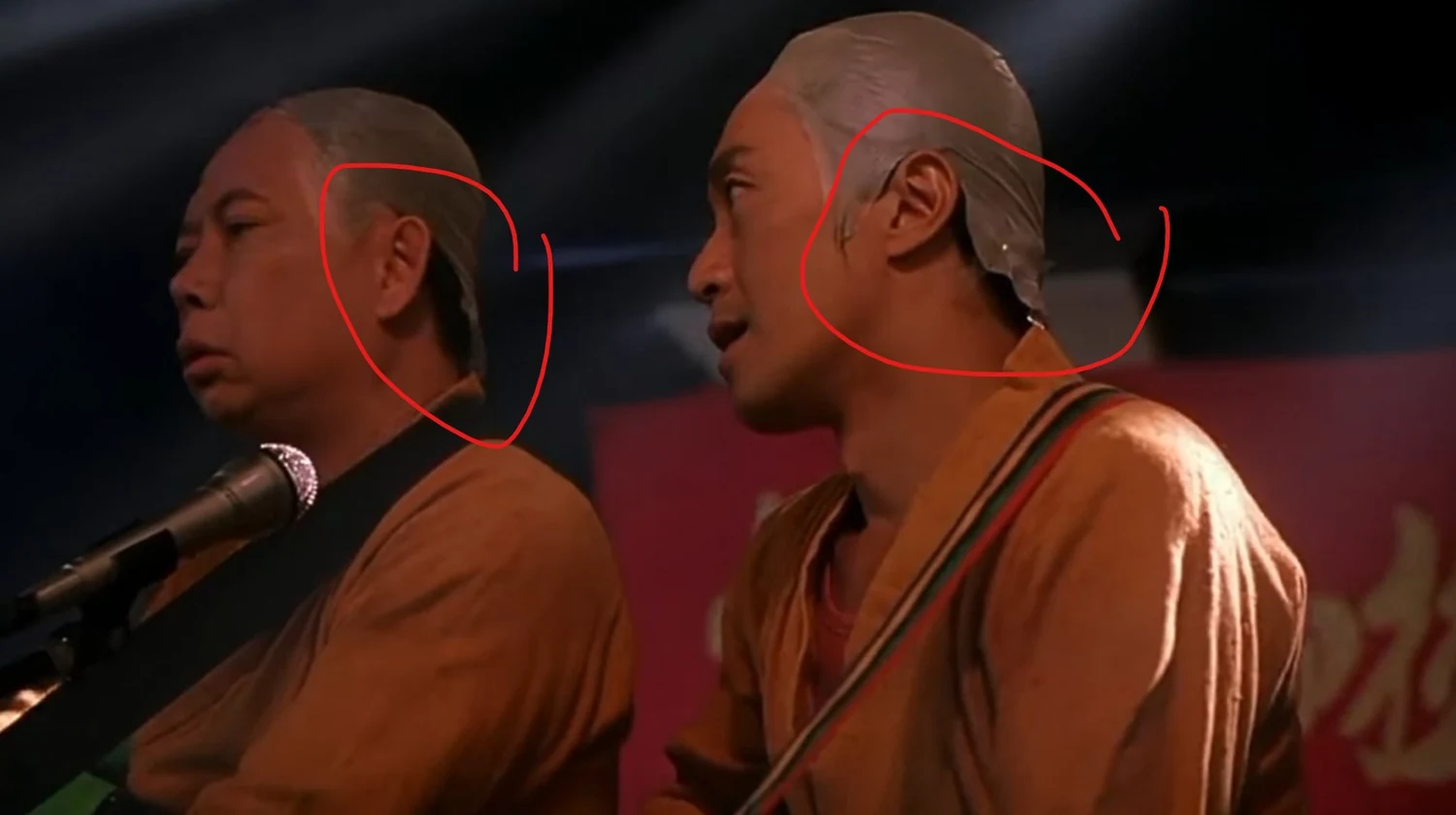
That is why I added a glasses strap to one of my bald characters: to cover this weakness in the generated result.